Get started
Choose between Monitors and Market Intelligence
Choose Monitors when you need to be told the moment something changes on a ticketing site: a restock or a stock drop on an event you have chosen, in the sections and at the prices you care about. Choose Market Intelligence when you need to understand a market rather than react to it: the full sales history of an event, artist and venue data, the sale calendar, and Trackers that fire when a metric crosses a threshold. They solve different problems and many users run both.
Before you start
- An Eventory account. Both products are bought per workspace.
Monitors: react to a ticketing site
A monitor is pointed at one event on one ticketing site. Eventory checks that event continuously and sends an alert the moment the thing you asked about happens, with the section, the quantity and the price, and a link straight to the listing.
The questions Monitors answers are about right now, and they are usually about buying: have tickets come back, is someone dumping stock, is there a pair under my price in the section I want. The alert has to arrive in seconds to be worth anything, so delivery goes to Discord, a webhook, the dashboard and the desktop app.
- One monitor watches one event on one site, with its own filters.
- Alerts on restocks and stock drops, within the price band you set.
- Filters by section, row, price, seats together and restock size.
- Delivered to Discord, a webhook, the dashboard and the desktop app.
Market Intelligence: understand a market
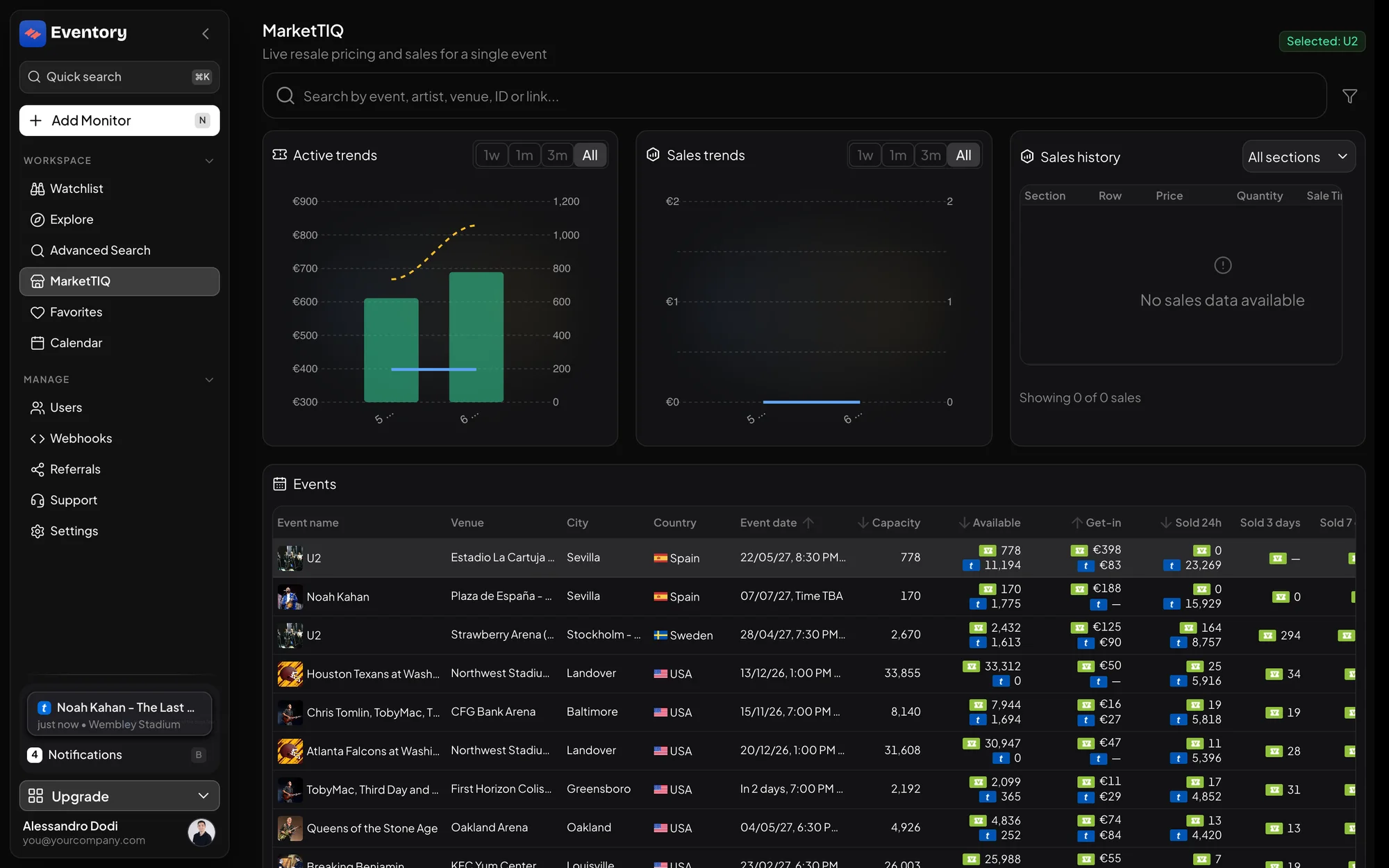
Market Intelligence is the data product. It opens the full sales history of an event instead of the last handful of sales, adds artist and venue statistics, the sale calendar, and the MarketTIQ table where you can sort thousands of events by what they are doing.
The questions it answers are about judgement rather than speed: is this event selling, what has it sold for, is the artist growing, which events in this venue move, what should I list at. A Tracker then automates the watching: it fires when a metric you choose crosses the value you set, on the events or artists you point it at.
- Full sales history per event, not just the latest sales.
- Artist metrics and venue statistics.
- The sale calendar and the MarketTIQ table.
- Trackers on any of the available metrics, delivered by email or webhook.
How to decide in one question
Ask what you would do with the information in the next ten seconds. If the answer is "buy", you need Monitors: the value is in the speed, and a filter keeps the noise down. If the answer is "decide", you need Market Intelligence: the value is in the history and the comparison, and ten minutes late changes nothing.
Resellers who buy and price usually end up with both, because the two sides of the job are different: Monitors gets you the ticket, Market Intelligence tells you what it is worth. The plans and prices are side by side on Monitors vs Market Intelligence.
What the two share
Both live on the same account and the same workspace, so there is nothing to connect. Event pages are the meeting point: the same page carries the market data and a button to start monitoring the event you are looking at.
The API exposes both sides behind one key, billed in credits, if you would rather have the data in your own tools than in the dashboard.
Frequently asked questions
Can I buy Market Intelligence without Monitors?
Yes. The two are separate subscriptions on the same workspace, and either one works on its own.
Does Market Intelligence send alerts?
It sends Tracker alerts, which are threshold alerts on a metric rather than live site alerts. They arrive by email, and by webhook on the higher tier. Site-level restock alerts are Monitors.
Is a Tracker the same thing as a monitor?
No. A monitor watches one event on one ticketing site and reacts to its stock and prices. A Tracker watches a metric, such as tickets sold or get-in price, and fires when it crosses the value you set.
Which one gives me the seat map and live availability?
Live availability of a section comes from the ticketing site itself, which is what Monitors and the Chrome extension do. Market Intelligence adds the history behind it.
Next steps
Browse the events
Sales, prices and availability for the events on sale right now.
API documentation: the reference for developers, next to these guides.