Monitors
Watch an artist or venue with a discovery monitor
A discovery monitor watches an artist or venue page on a ticketing site rather than a single event. Paste the artist or venue URL into Artist/Venue URL in the Add Monitor drawer, switch on Auto-add discovered events to watchlist, and each event found there is added to the Watchlist as a normal monitor with the filters and delivery of the discovery row. It is how you cover a tour before the dates exist.
Before you start
- An active Monitors subscription, room under the event limit for the events it will add, and the artist or venue URL on a supported site.
Steps
Open Add Monitor and pick the site
Discovery works on the sites that have artist or venue pages Eventory can read; the Website list is the same as for events. Pick the site and its region.
Paste the artist or venue URL
Put the artist or venue page link in Artist/Venue URL. The drawer recognises it and switches the row to a Discovery monitor. Track on an Eventory artist page does the same with the artist filled in.
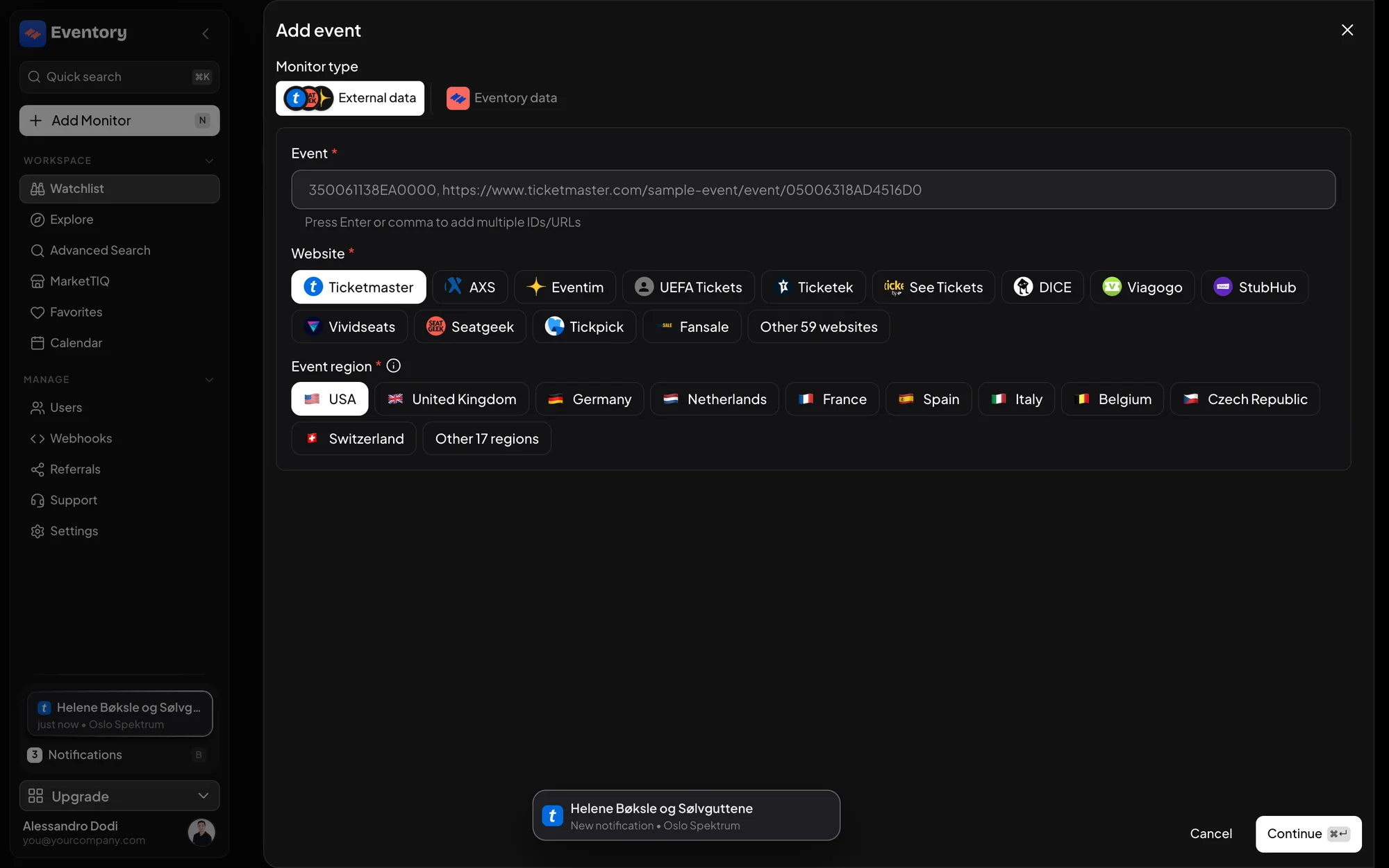
The same Add event drawer: an artist or venue link in the Event field makes it a discovery monitor. Switch on auto-add
Auto-add discovered events to watchlist is what makes the row useful: with it on, each new event becomes a monitor. With it off, the row only finds events and you add them by hand.
The filters and delivery you set on the discovery row are copied to every event it adds, so set the section and price band you want on the tour here, once.
Watch the Watchlist fill
As dates are announced, monitors appear with the event's own row. Filter the Watchlist by Type to see discovery rows apart from the events they created. Each created monitor is independent after creation: edit or delete it without touching the discovery row.
Note: Each added event counts against the plan limit. A discovery monitor on a big tour can fill a small plan in a day; check Usage in Settings before pointing one at a stadium act.
When to use discovery instead of events
Use it when the dates are not out yet, or when an artist adds shows faster than you check. For an announced tour where you only want three cities, add the three events directly; discovery would add all of them.
Naming and notes
The discovery row shows the artist or venue name as its event, and the monitors it creates show the dates. Put the reason in Internal notes on the discovery row, for example which client the tour is for: the note is copied to every event it adds, so each row explains itself when the tour is thirty dates long.
Discovery monitors and Trackers
A discovery monitor is about a ticketing site's page and creates site monitors. An artist Tracker is about Eventory's artist metrics and fires on a threshold. The first fills your Watchlist; the second tells you an artist is heating up. They combine well: a Tracker on trending score, then a discovery monitor on the artists it flags.
Frequently asked questions
How soon after an announcement is the event added?
The artist or venue page is checked continuously, like an event. A new date is usually on the Watchlist within minutes of appearing on the site, before its sale opens.
Does the discovery row itself send alerts?
No. It finds events; the monitors it creates send the alerts.
Can I stop it adding events without deleting it?
Yes. Pause the discovery row, or switch auto-add off. The monitors it already created keep running.
What if I delete a monitor it created?
It stays deleted; discovery does not re-add an event you removed.
Does discovery work on every site?
On the sites whose artist or venue pages Eventory reads. The drawer only accepts an Artist/Venue URL for those.
Next steps
- Add a monitor to an event
- Read an artist page and a venue page
- Manage your plan and billing
- Create a Tracker on an event or artist
Start monitoring
Pick a plan, add your events and let Eventory tell you the moment tickets come back.
API documentation: the reference for developers, next to these guides.